

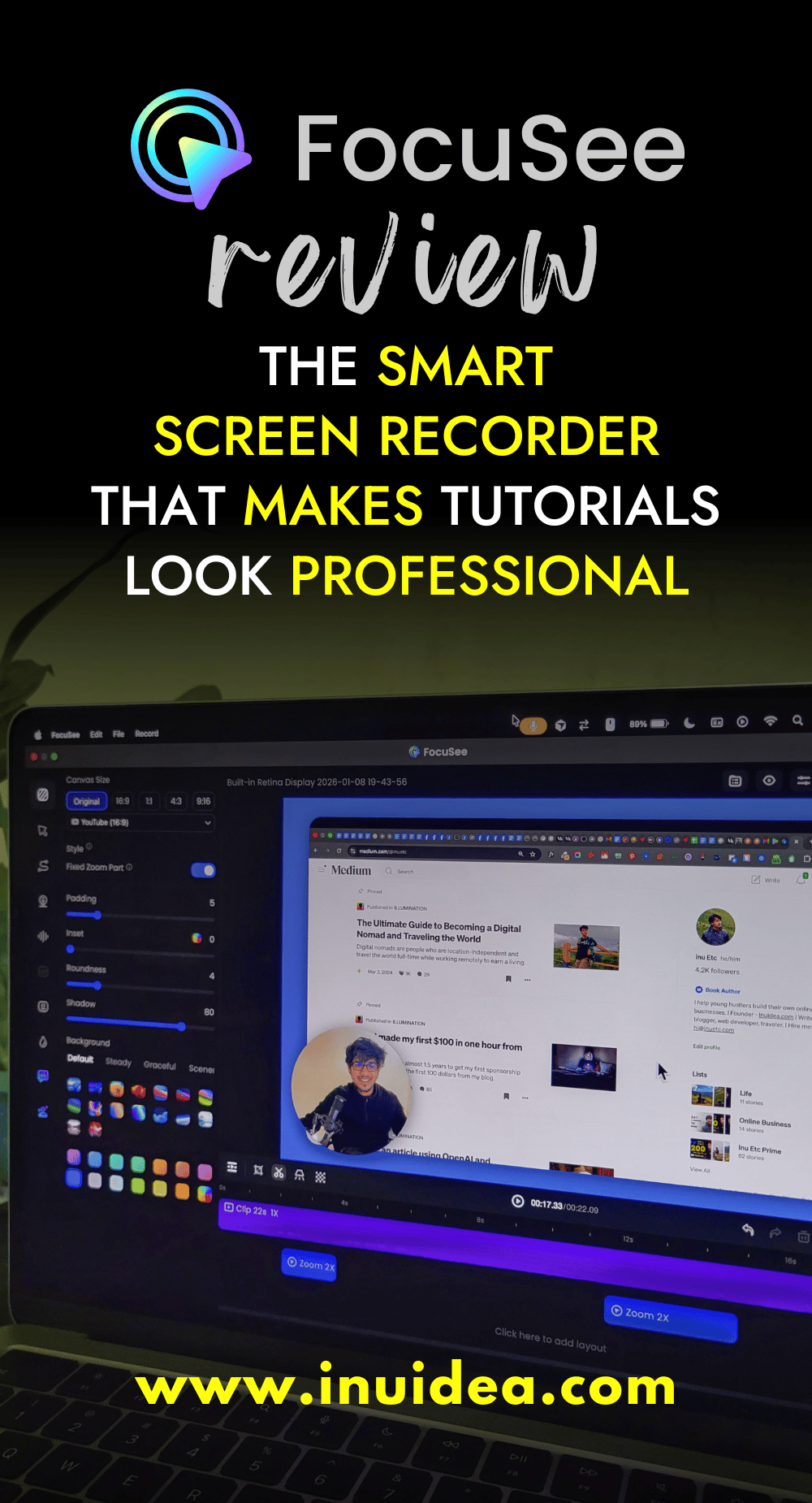
Screen recording used to be simple.
Then editing ruined everything.
If you’ve ever recorded a tutorial, product demo, or walkthrough, you already know the pain:
You record for 10 minutes.
Then spend 40 minutes fixing zooms, cursor movements, and awkward framing.
That’s exactly why I tried FocuSee.
It promised something interesting:
Record your screen once, and let the software handle focus, zoom, and cursor movement automatically.
No heavy editing.
No complex timelines.
Just clarity.
So I tested it.
Here’s my honest review.
What Is FocuSee?
FocuSee is a smart screen recording software designed for people who explain things on screen.
It’s built for:
- content creators
- educators
- SaaS founders
- marketers
- freelancers
- anyone recording tutorials or demos
Instead of giving you dozens of manual controls, FocuSee focuses on one thing:
Helping viewers understand what you’re showing.
You record normally.
FocuSee enhances automatically.
That’s the difference.
Auto Focus & Smart Zoom (The Best Feature)
This is where FocuSee stands out.
While you record, FocuSee automatically:
- zooms into the active area
- follows your cursor smoothly
- highlights clicks naturally
You don’t need to add keyframes.
You don’t need to plan zooms.
You don’t need editing experience.
The focus just… happens.
For tutorials and product demos, this alone saves hours.
Cursor Effects That Feel Professional
Most screen recorders add cursor effects that feel distracting or childish.
FocuSee keeps it clean.
You get:
- subtle cursor highlights
- smooth click animations
- natural movement tracking
Nothing flashy.
Nothing annoying.
It feels professional without trying too hard.
Recording Modes (Simple but Enough)
FocuSee supports:
- full screen recording
- window recording
- custom area recording
You can also record:
- system audio
- microphone audio
Everything is clearly labeled.
No confusion.
No unnecessary settings.
Built-In Editing (Without Complexity)
FocuSee includes basic editing tools, but in a good way.
You can:
- trim recordings
- adjust focus timing
- tweak zoom behavior
- change cursor styles
It’s not trying to replace full video editors like Premiere or Final Cut.
It’s designed to help you publish faster.
And honestly, that’s what most creators need.
Export Quality & Performance
Exporting is fast and clean.
Videos are ready for:
- YouTube
- course platforms
- landing pages
- social media
No weird compression.
No visible quality loss.
Paid plans remove watermarks and unlock full exports.
Who Should Use FocuSee?
FocuSee is perfect if you:
- create tutorials regularly
- record SaaS demos
- explain workflows to clients
- teach online
- want Loom-style videos but more polished
If clarity matters in your content, FocuSee helps a lot.
Who Might Skip It?
You may not need FocuSee if:
- you don’t record screens
- you prefer full manual editing
- you already use complex post-production workflows
FocuSee is built for speed, clarity, and simplicity.
Pricing: Is FocuSee Worth It?
FocuSee offers free and paid plans.
The free version lets you test the workflow.
Paid plans unlock full exports and advanced features.
Considering the time saved, the pricing feels reasonable.
Time saved > money spent.
My Honest Opinion
I like tools that:
- don’t demand long learning curves
- don’t overpromise
- quietly improve my workflow
FocuSee does exactly that.
It doesn’t try to impress you with features.
It focuses on making your content clearer.
And for screen recording, that’s what actually matters.
Final Verdict: Should You Try FocuSee?
If you create screen-based content, yes.
FocuSee won’t change what you say.
But it will make sure people understand it better.
And sometimes, that’s the difference between a good video and a great one.
Thanks for reading this article. 💚
If you loved what you read, could you buy me a cup of coffee? It’s okay if you can’t right now.
If you have any questions or would like to work with me, or want help with content creation, website design, blogging, or digital marketing — feel free to contact me or visit inuetc.com.
I’m always available to help young hustlers like you @InuEtc on Instagram.
Keep hustling!
Love, love!

Leave A Comment